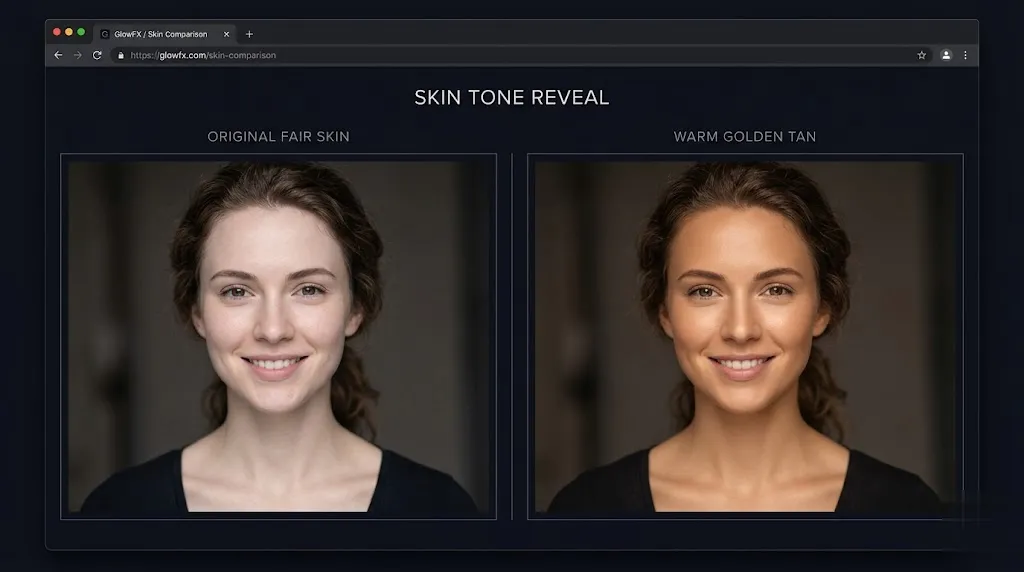
Change Skin Color Online — No Downloads Needed
Change skin color online right in your browser. Sign in, upload a portrait, describe your desired tone, and download the result. New accounts get 10 welcome credits for AI-powered skin tone editing.
Upload any portrait and transform skin tones instantly with our AI skin color changer online. Describe your ideal tone — from warm caramel to deep ebony — and get realistic results in seconds.
 Sample
Browse AI-generated skin tone transformations across portraits, creative projects, and group photos.
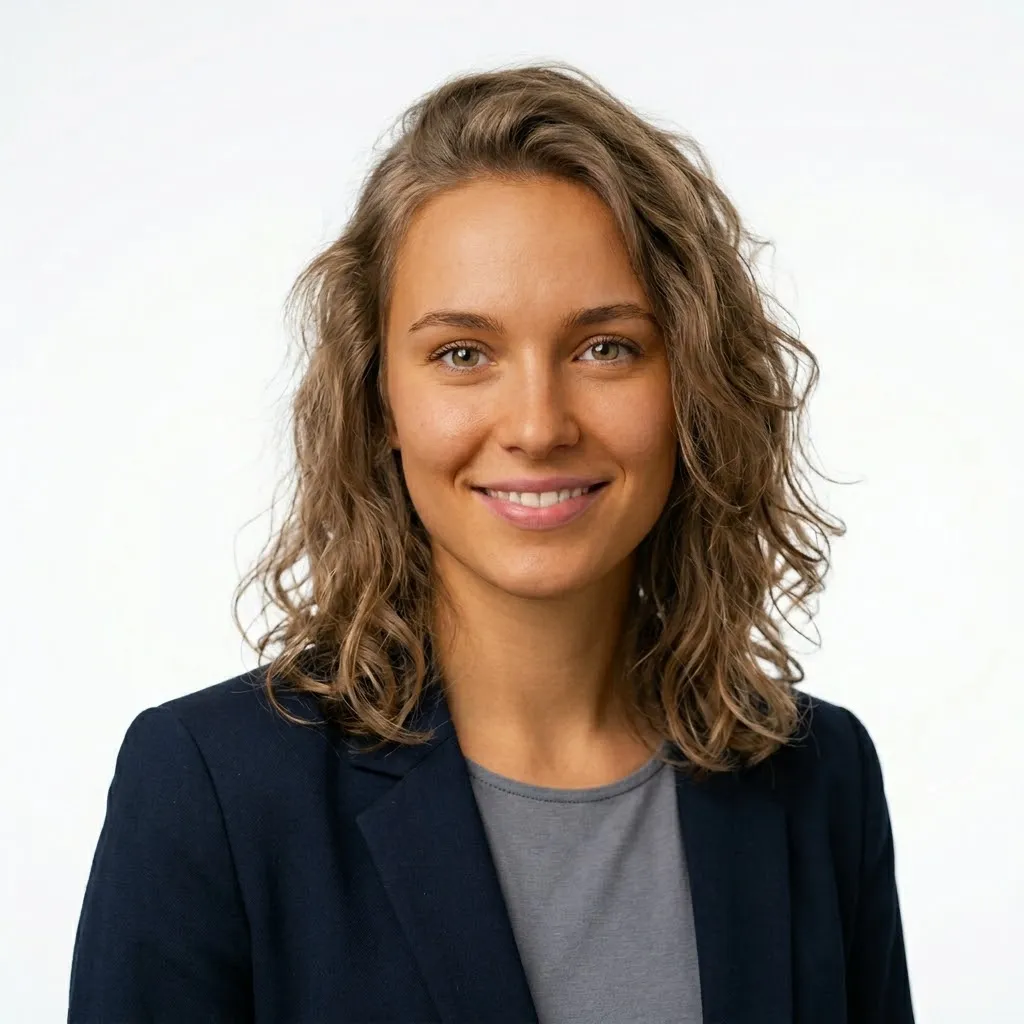
Subtly shift skin tone in single-subject portraits while preserving features, freckles, and natural lighting — ideal for headshots and profile photos.
Edit a Portrait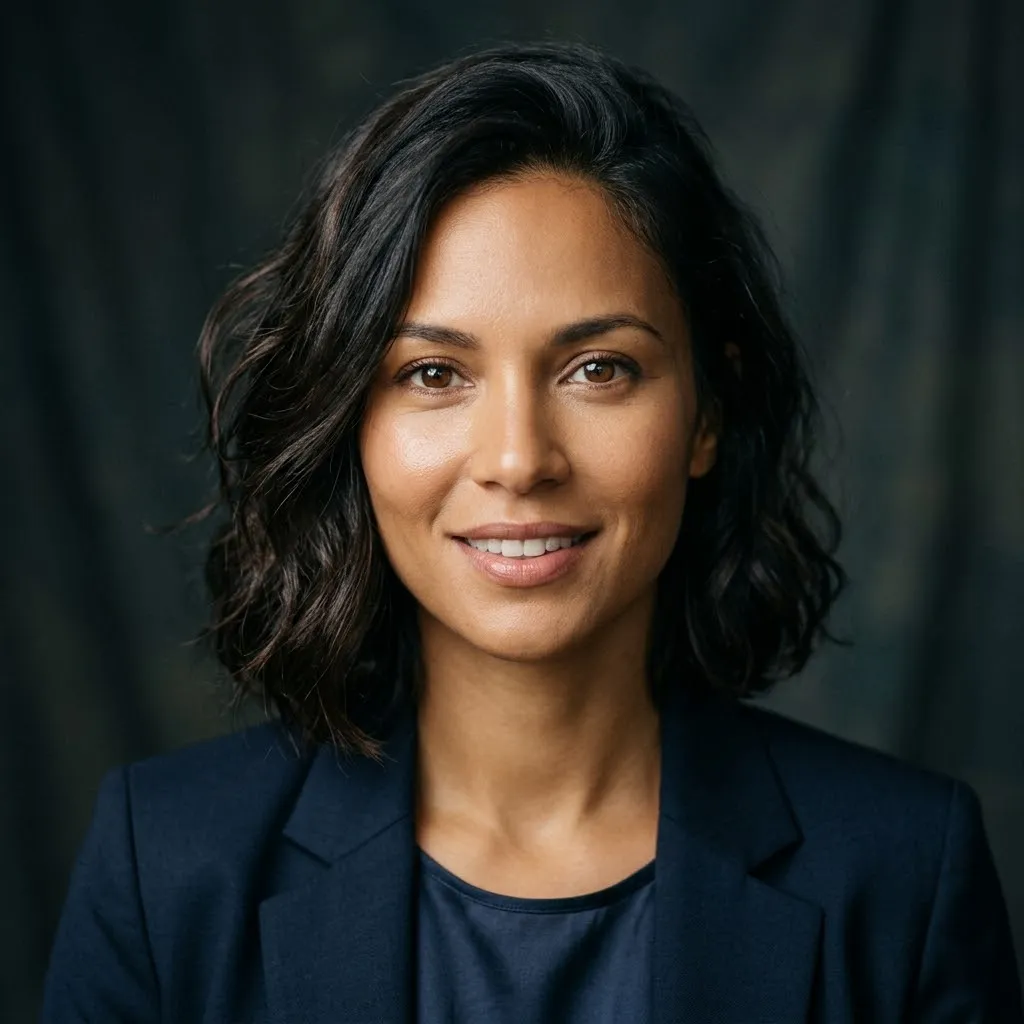
Push skin tones into bold artistic territory for cosplay references, character design, and concept art — vivid hues that stay anatomically convincing.
Try Creative Tones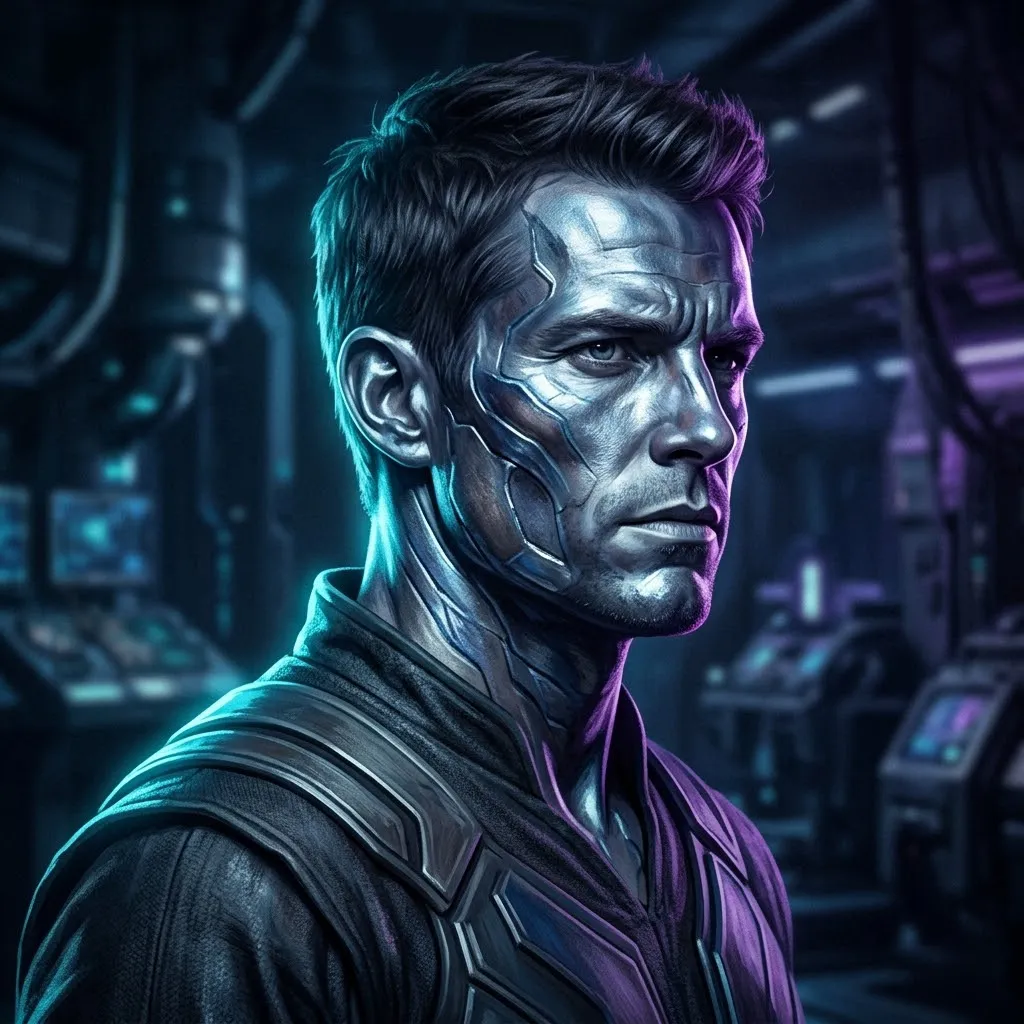
Even out mismatched skin tones across group photos caused by uneven lighting, exposure, or filter passes — restore a cohesive look in one pass.
Fix a Group Photo
Change skin color online right in your browser. Sign in, upload a portrait, describe your desired tone, and download the result. New accounts get 10 welcome credits for AI-powered skin tone editing.
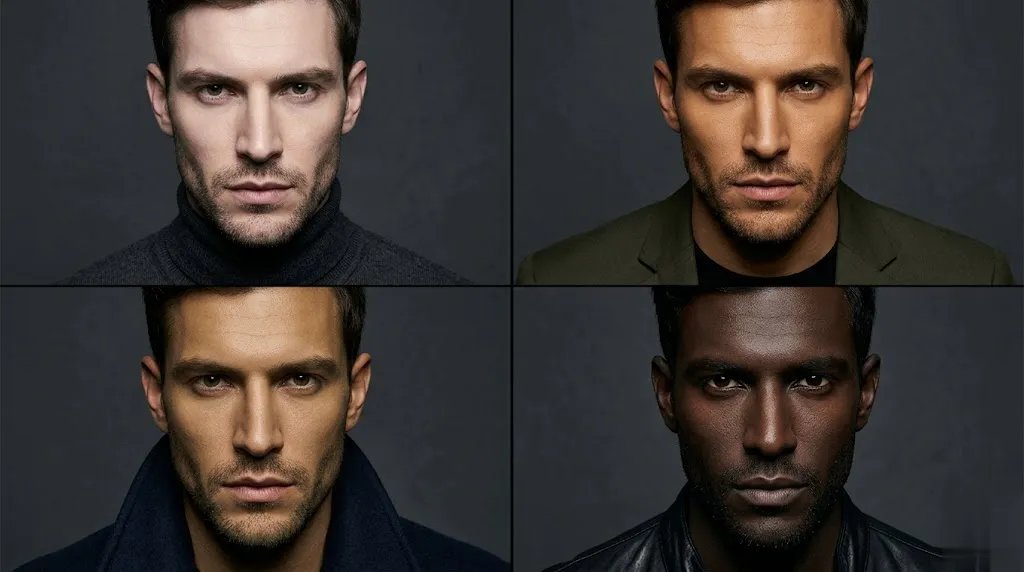
Experiment with diverse skin tones for cosplay, character design, or creative projects. Change skin color to black online, try golden bronze, deep ebony, or any custom shade. Describe your vision like "warm olive with golden undertones" and watch AI bring it to life.
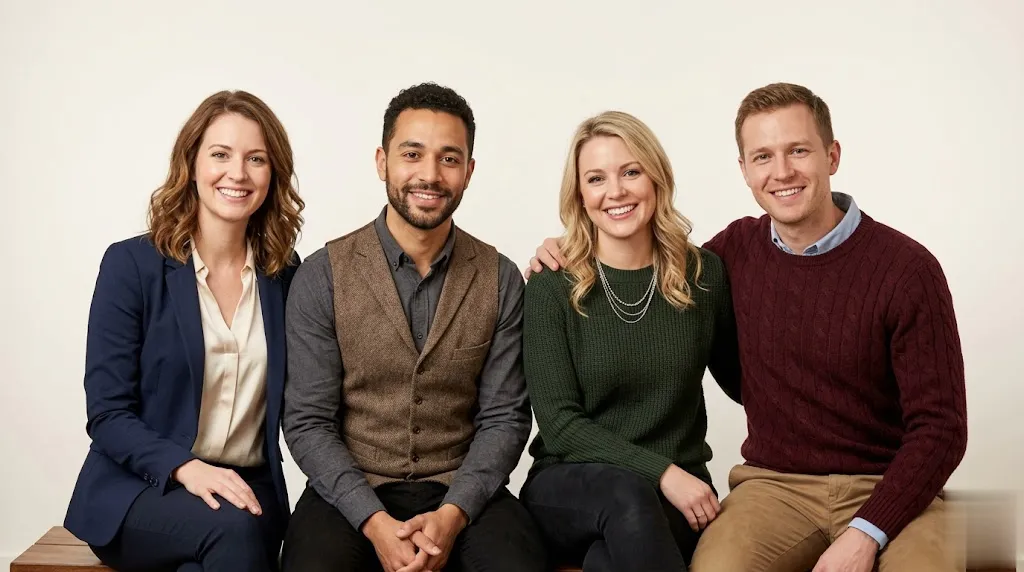
Bad lighting creates uneven skin tones across group photos. Our skin color changer online detects and balances skin color across multiple people, correcting shadows on faces and bodies for a cohesive, natural group photo.
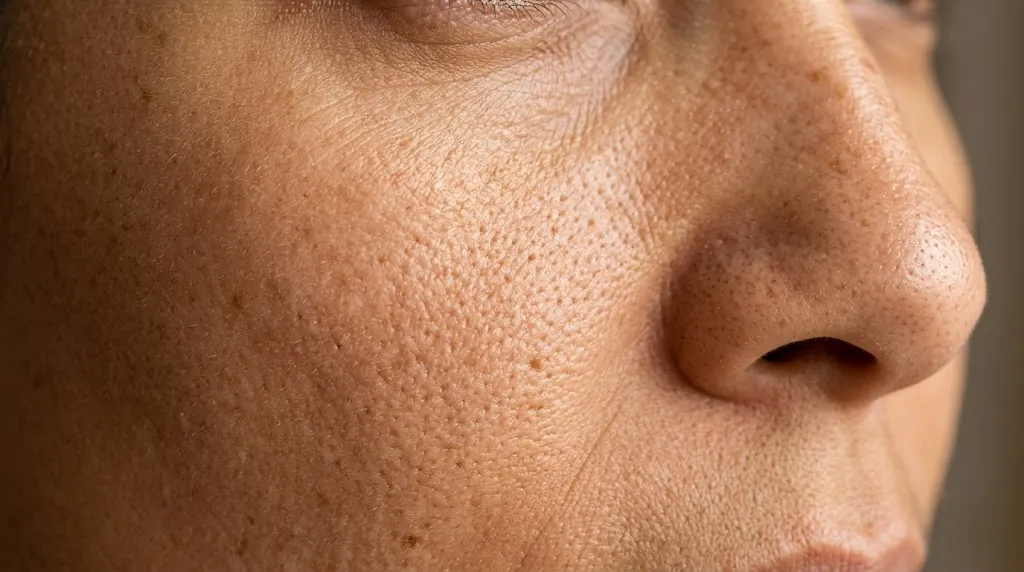
AI change skin color online while preserving every detail — facial features, skin texture, freckles, and natural lighting. The AI targets only skin areas, leaving hair, clothing, and backgrounds completely unchanged for professional-grade results.
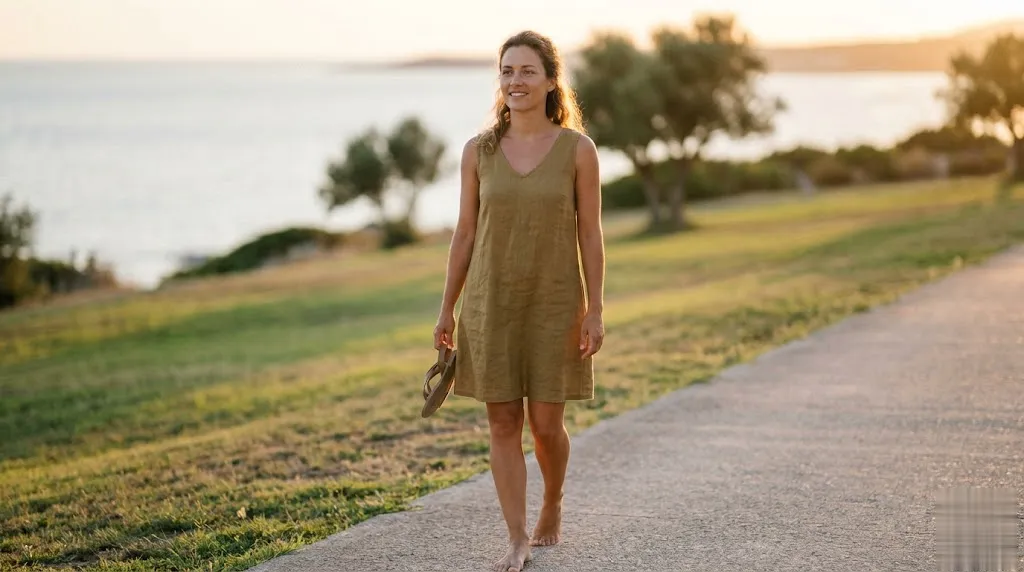
Not just faces — adjust skin tone across the entire body. Smooth out uneven coloring on arms, hands, elbows, and legs. Our AI skin color changer handles localized discoloration and delivers consistent, even results from head to toe.
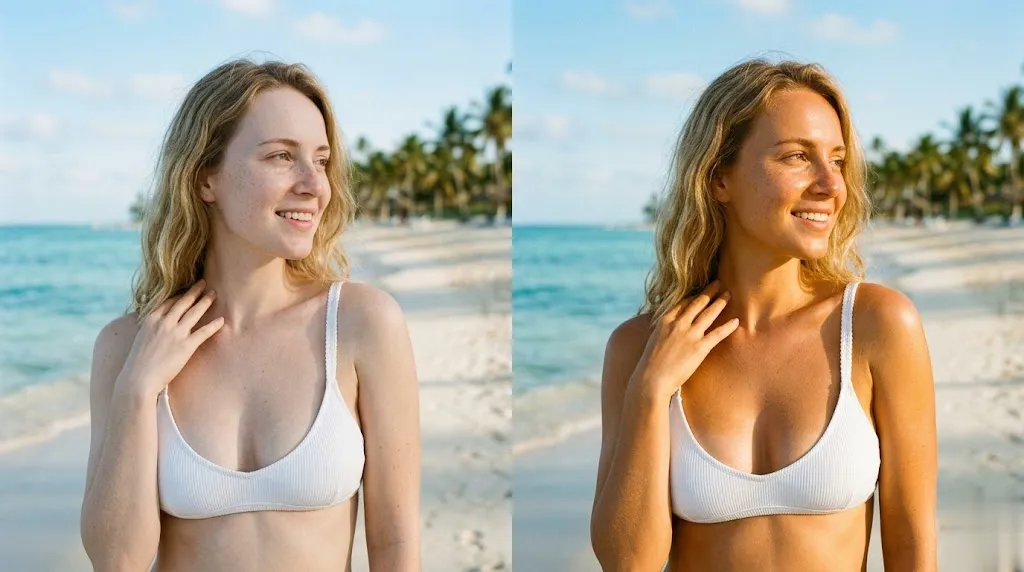
Add a natural beach glow to your photos with one prompt. Describe a tone like "warm honey tan" or "sun-kissed bronze" and the AI applies a realistic tan that looks like you just came back from vacation — no sun damage required.
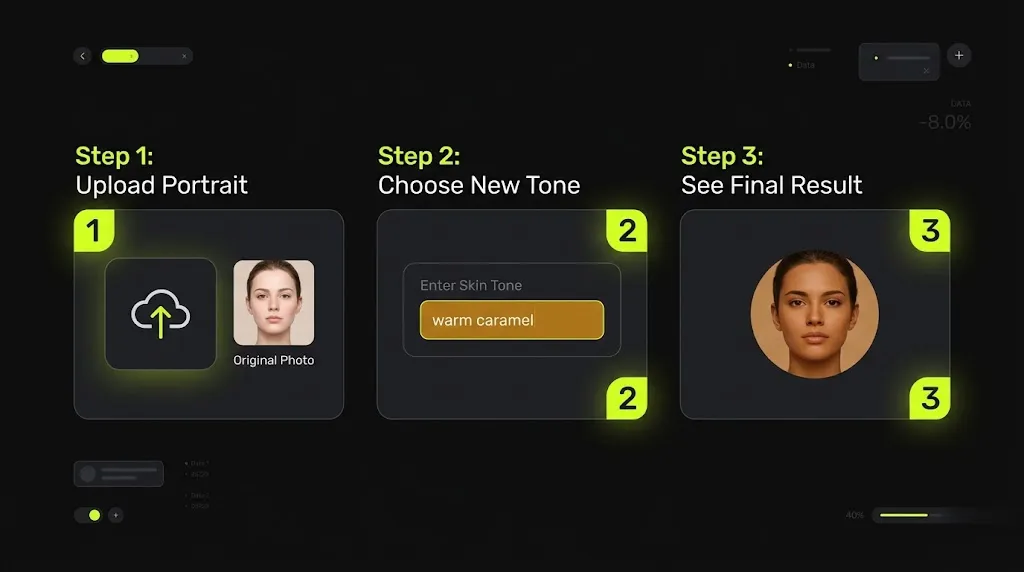
Start by uploading a portrait or full-body photo. Use a clear, well-lit image so the AI can accurately detect skin areas.
Enter a specific skin tone description, like "warm caramel with golden undertones" or "deep ebony with cool highlights." The more detailed, the more natural the result.
Preview the result and adjust if needed. Download your edited photo in high-quality PNG format.
Have more questions? Contact us and we'll be happy to help.
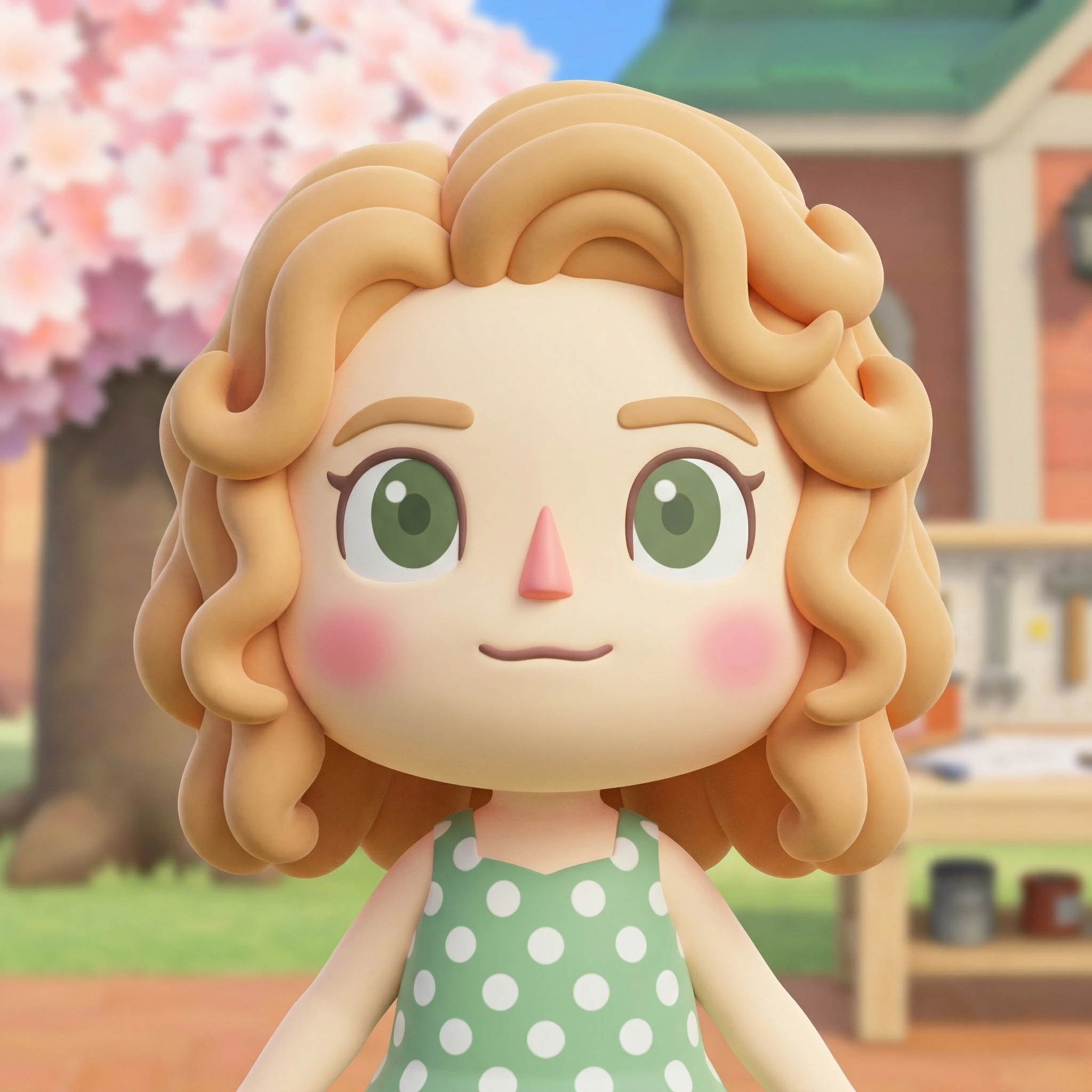
The Animal Crossing AI Generator turns photos and prompts into 3D villagers, OCs, and avatars — the fastest Animal Crossing villager maker online.
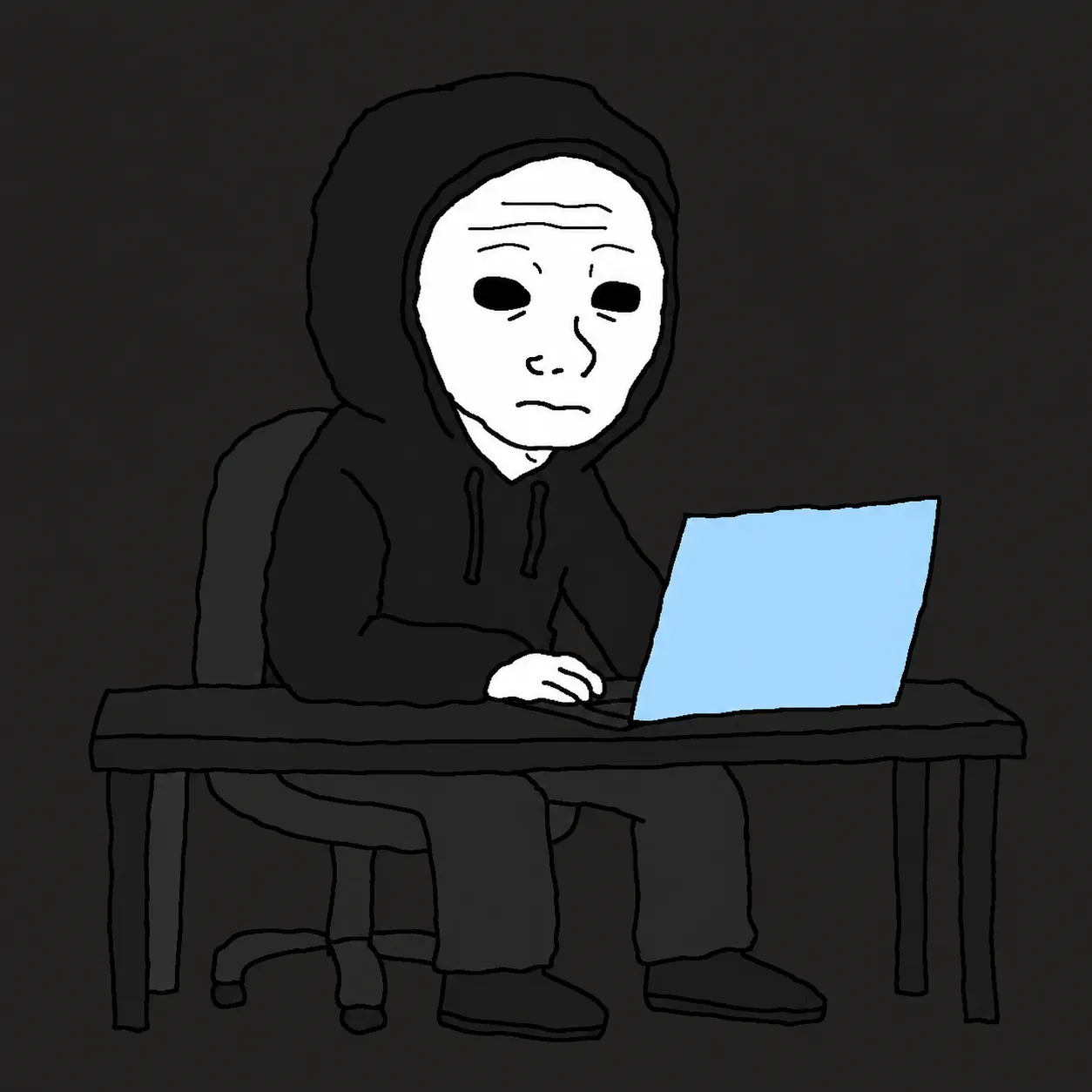
The Wojak Meme Converter AI turns any photo or text prompt into an authentic Wojak meme — 14+ archetypes from Doomer to GigaChad, all in the classic crude MS Paint style.
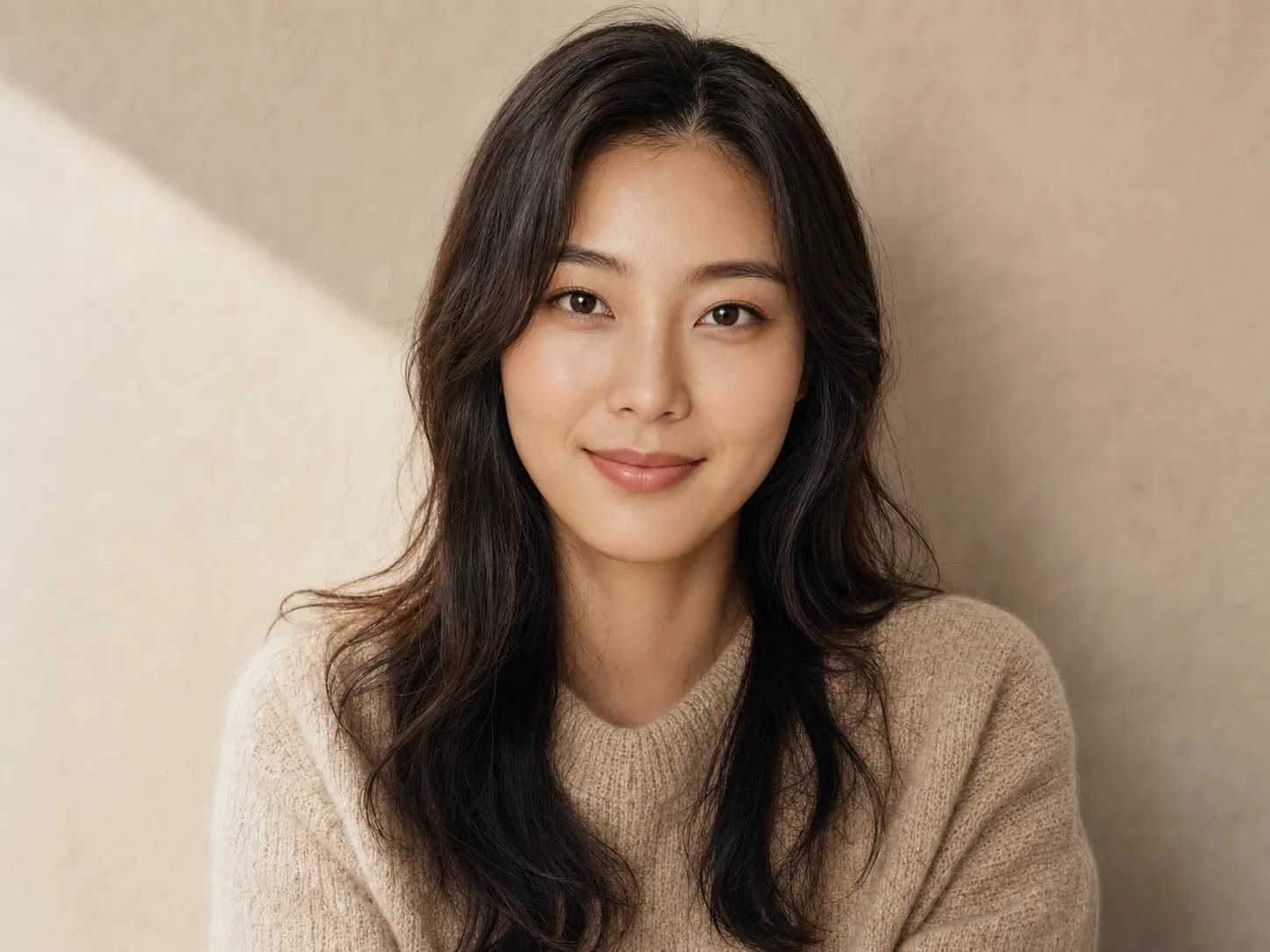
Changes camera angle online — same photo, new perspective
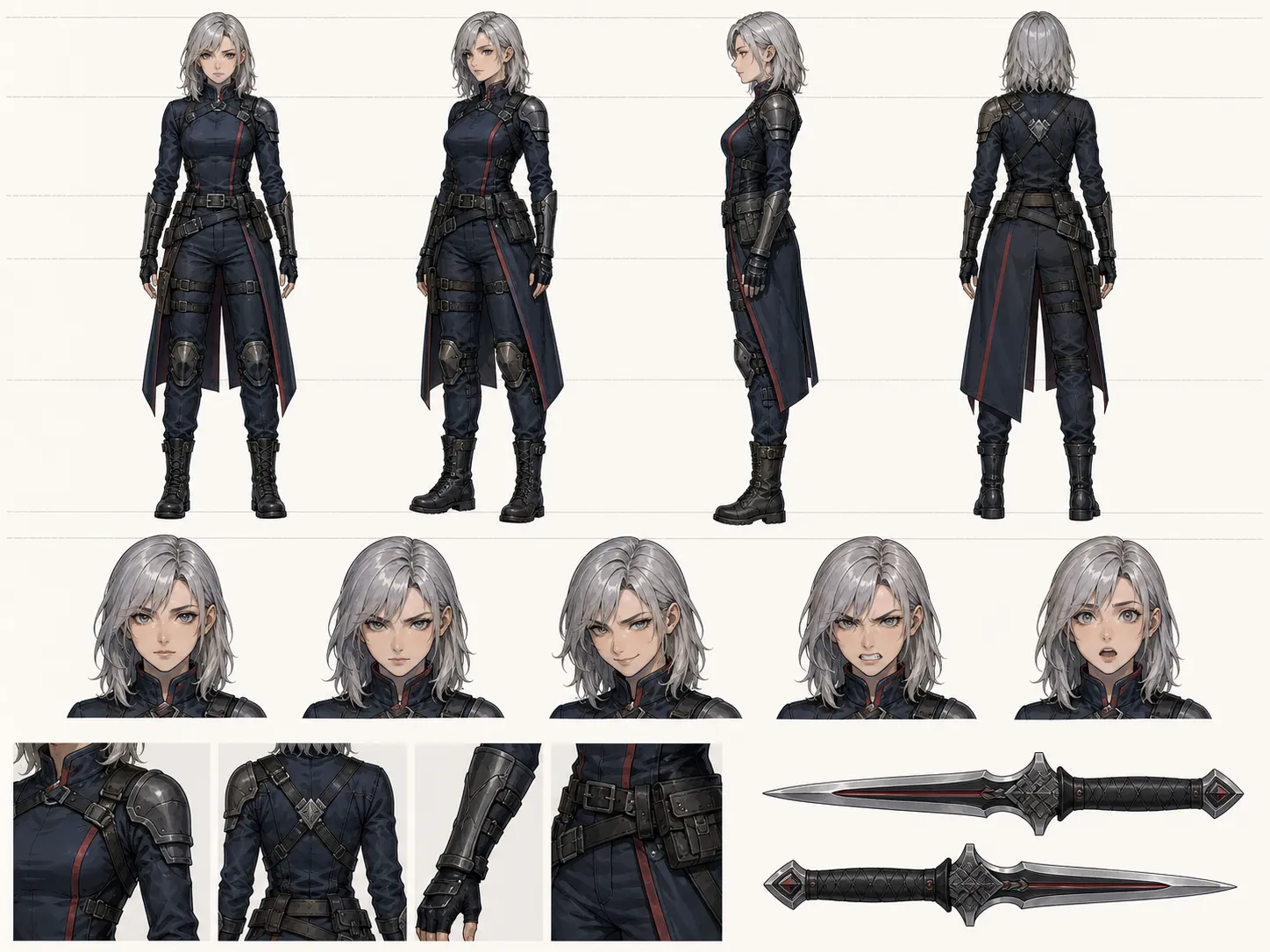
Upload a portrait or describe your character — the AI Model Sheet Generator delivers a production-ready character reference sheet with multi-view turnaround, expressions, and outfit variations in seconds.
Sign in, upload a photo, describe your ideal skin tone, and get AI-powered results in seconds. No download required.
Sign Up Now