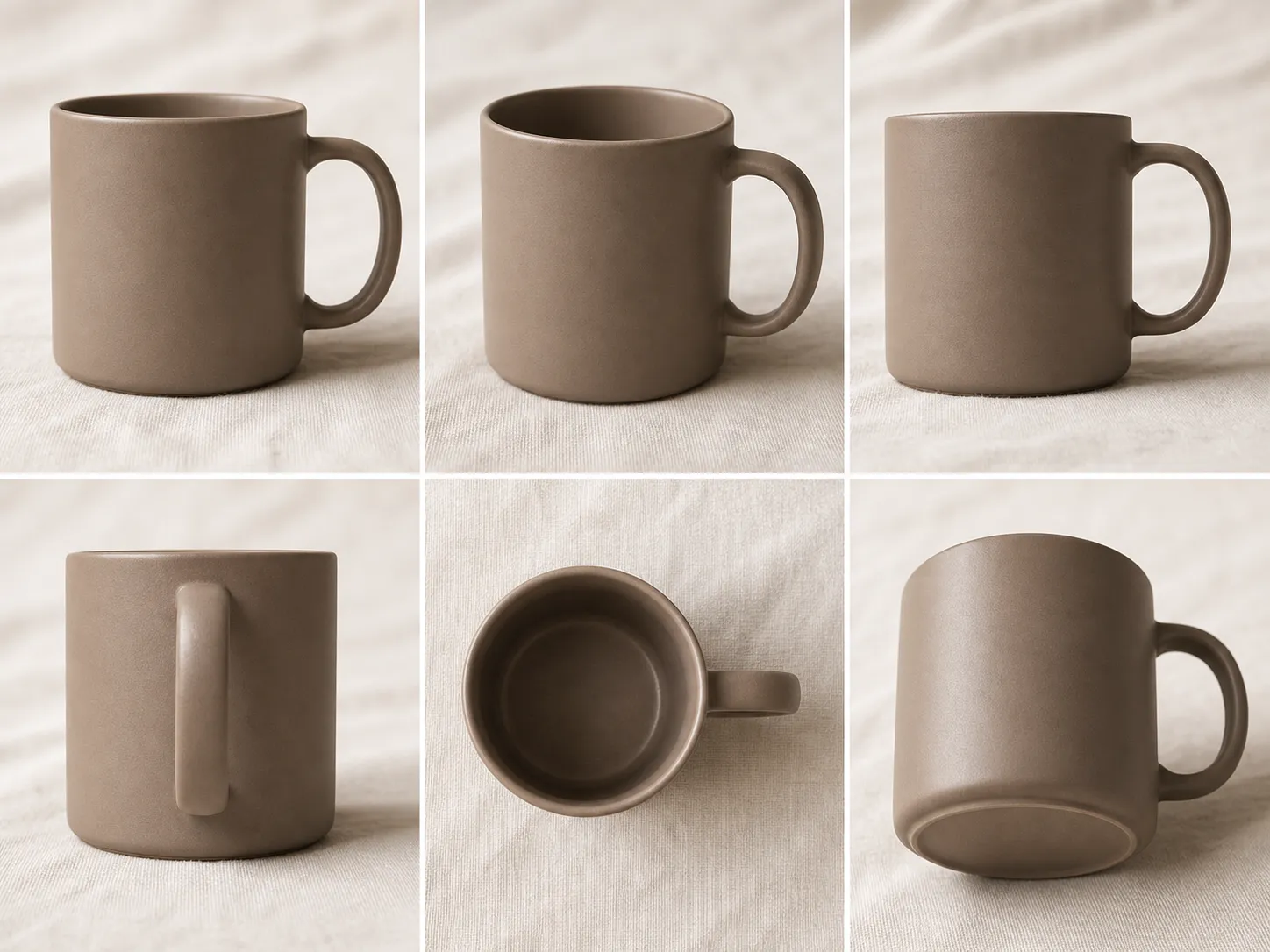
Preset-driven rotation, tilt, and shot type
Pick from 8 rotation angles, 4 tilt steps, and 3 shot types — 96 angle combinations from one photo. This tool changes camera angle online in a single click — no prompt writing, no slider guesswork.

This changes camera angle online tool reframes any photo from a new vantage without re-shooting.

Pick from 8 rotation angles, 4 tilt steps, and 3 shot types — 96 angle combinations from one photo. This tool changes camera angle online in a single click — no prompt writing, no slider guesswork.
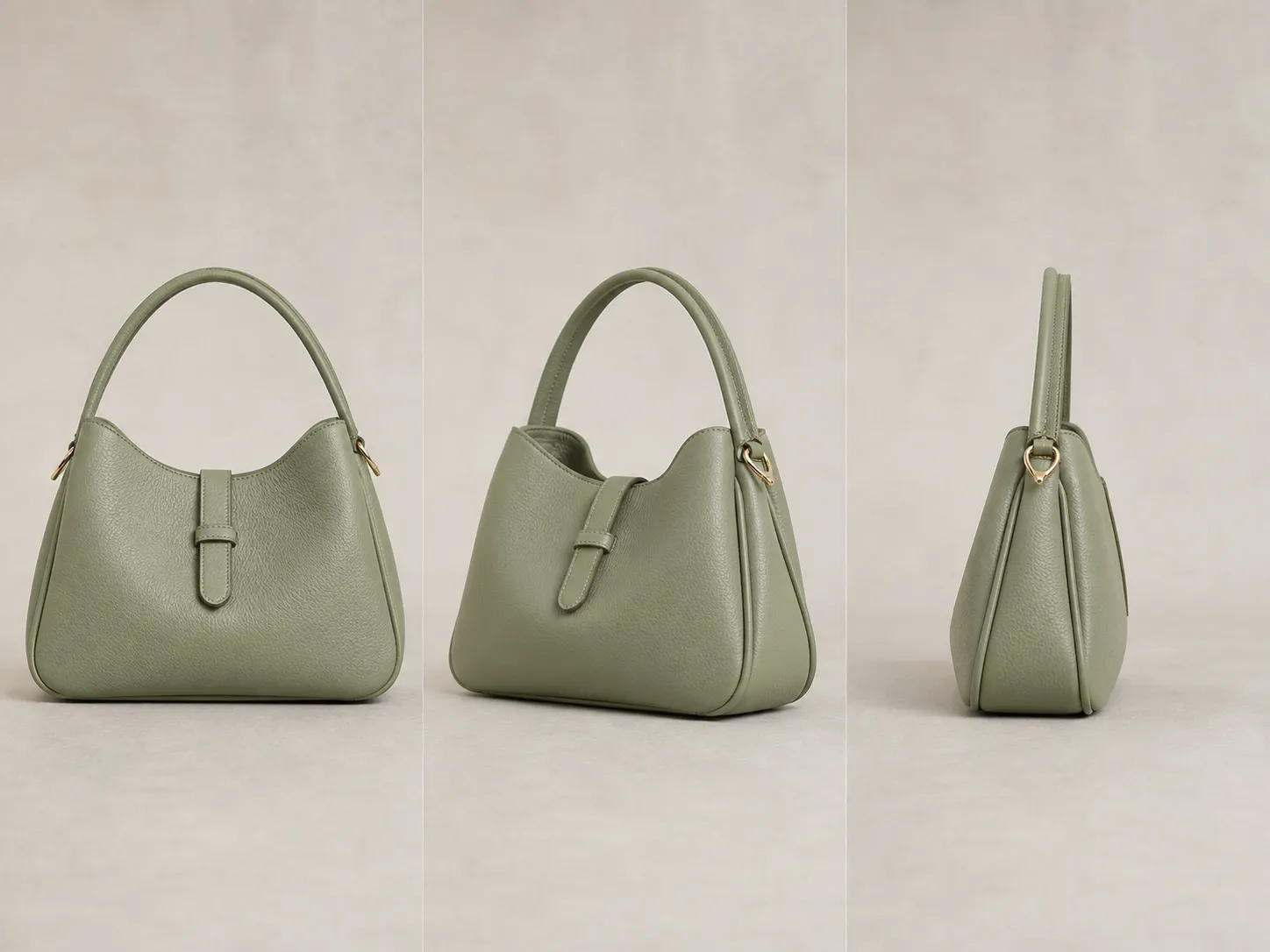
When this tool changes camera angle online, each new angle keeps the original lighting, color palette, materials, and background. Generate three product angles and they read as one photo set — not three different interpretations.
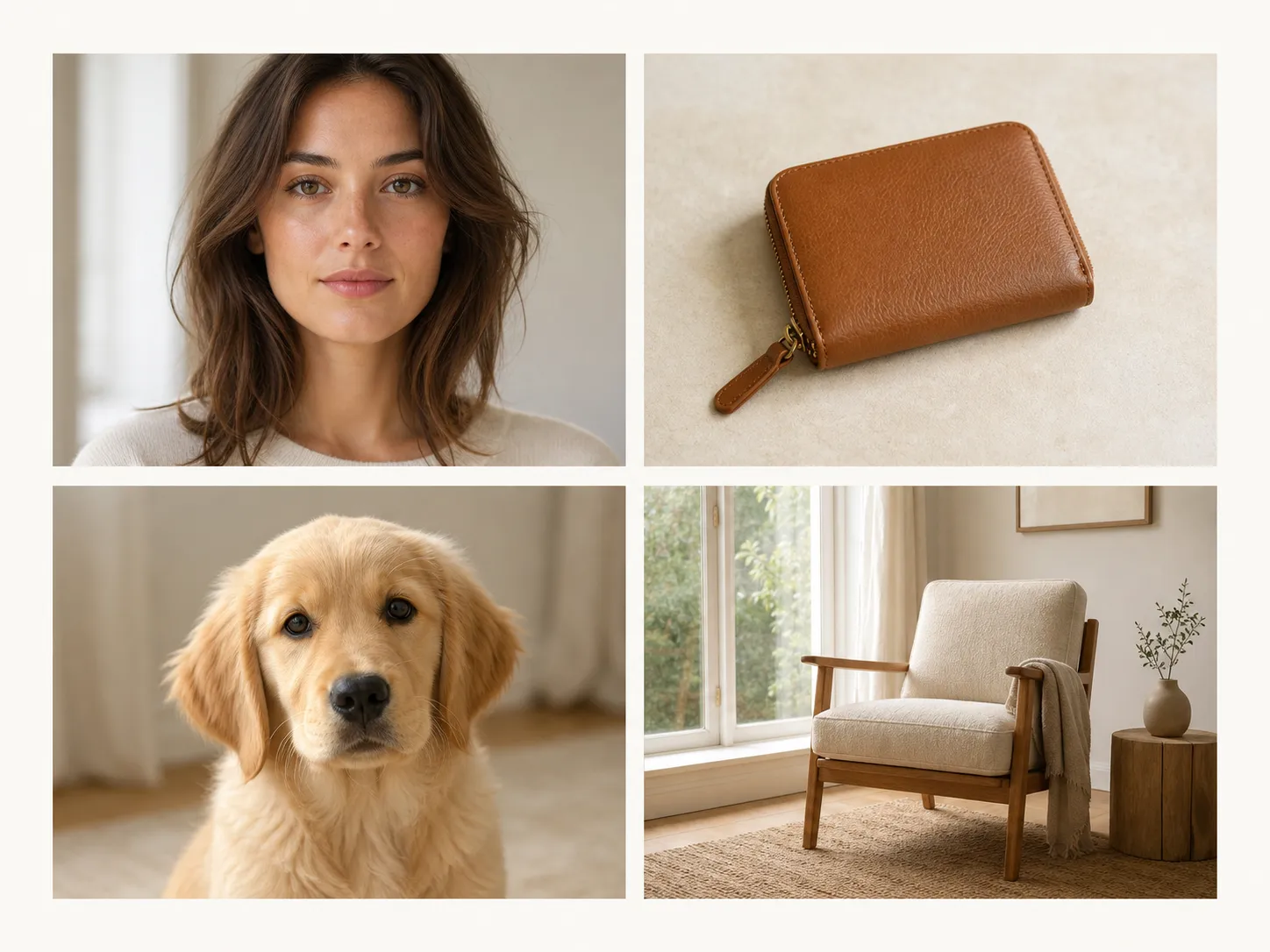
The angle vocabulary is generic, so the model never gets confused on non-human shots. Use the same tool that changes camera angle online for headshots, jewelry, pets, vehicles, room interiors, and architecture.
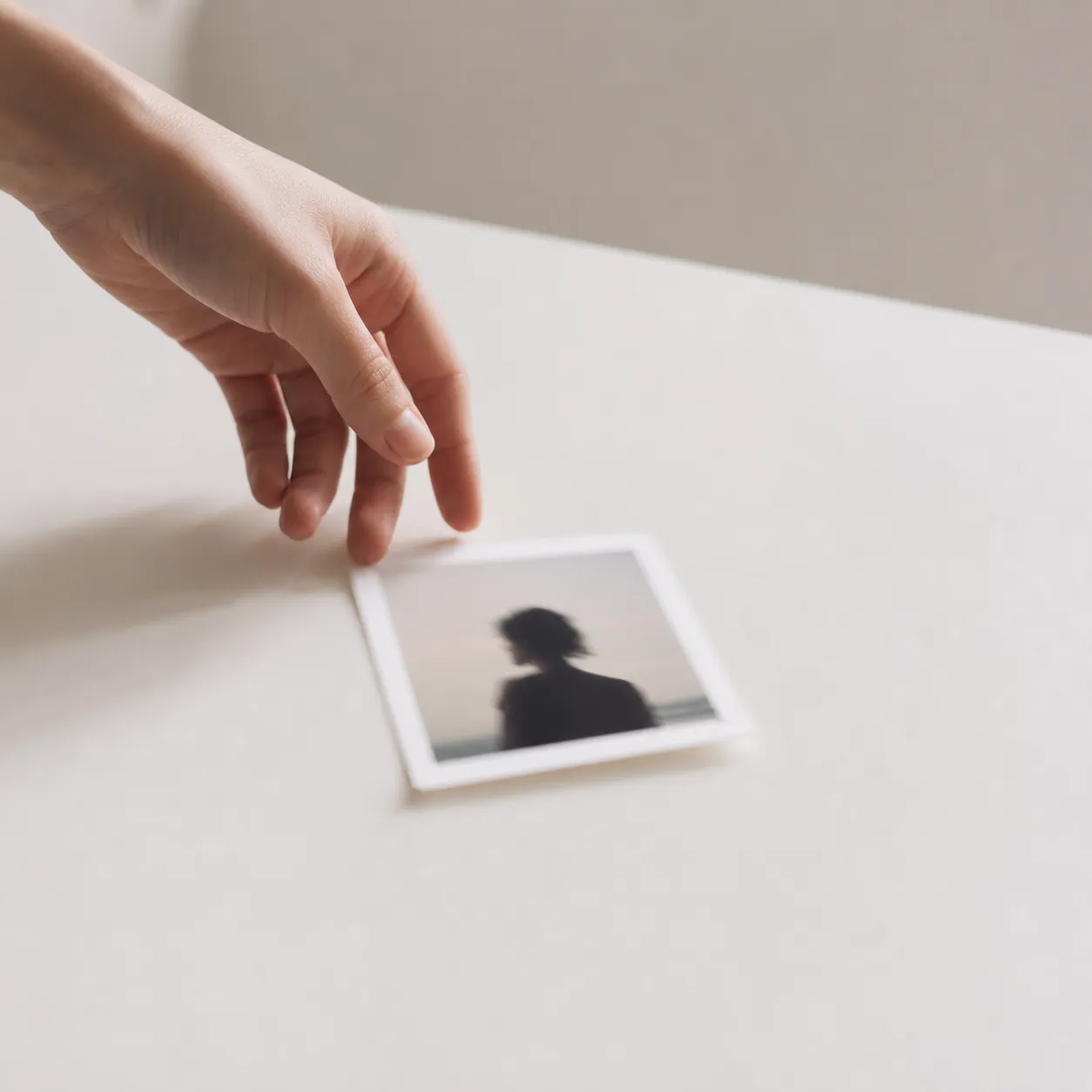
Upload, pick rotation, click Generate. No prompt engineering, no model selection. Internal prompts handle the angle vocabulary so you never write one yourself.
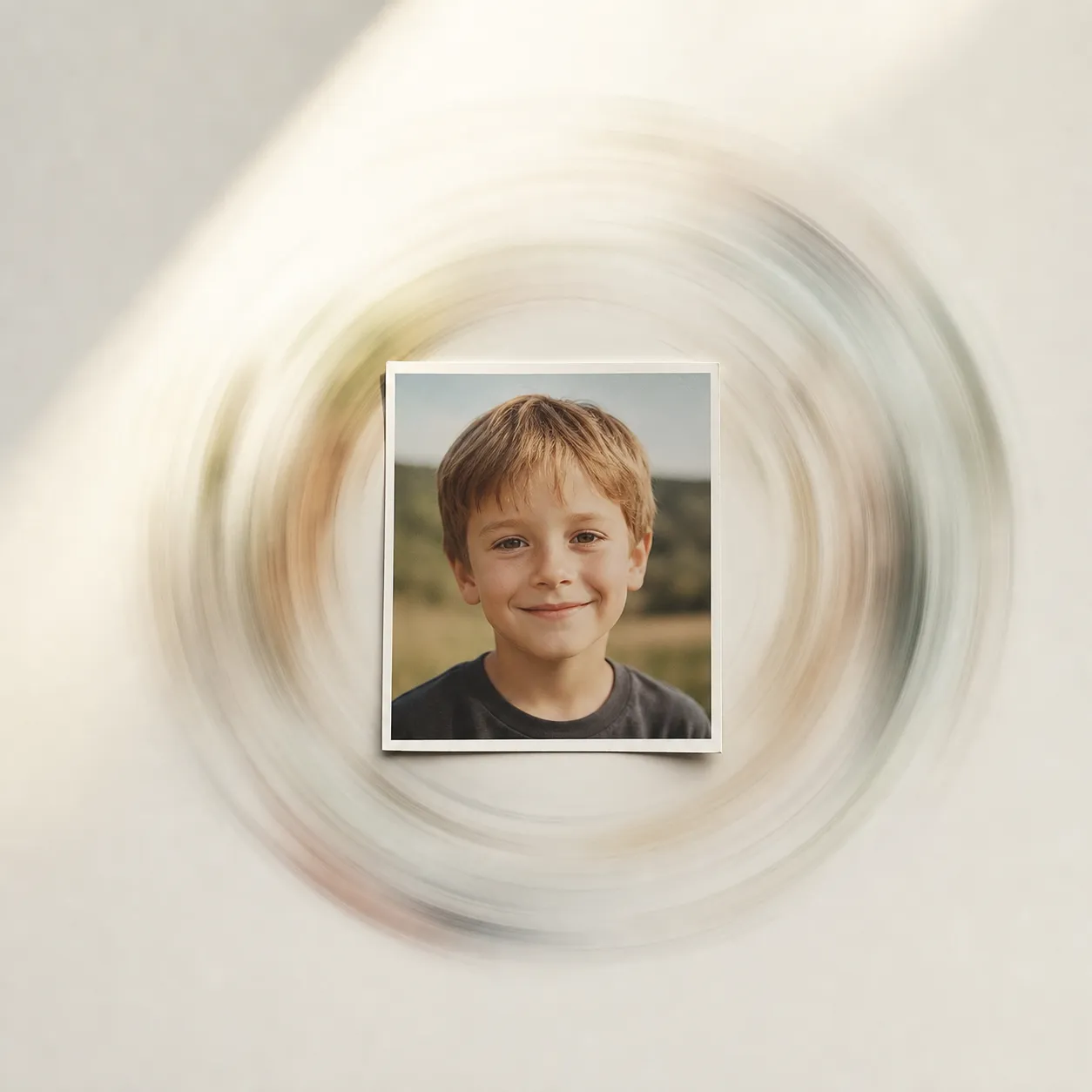
Each AI image angle change runs in 5–15 seconds. Change the controls, generate again — same workspace, no re-upload, no waiting between iterations.
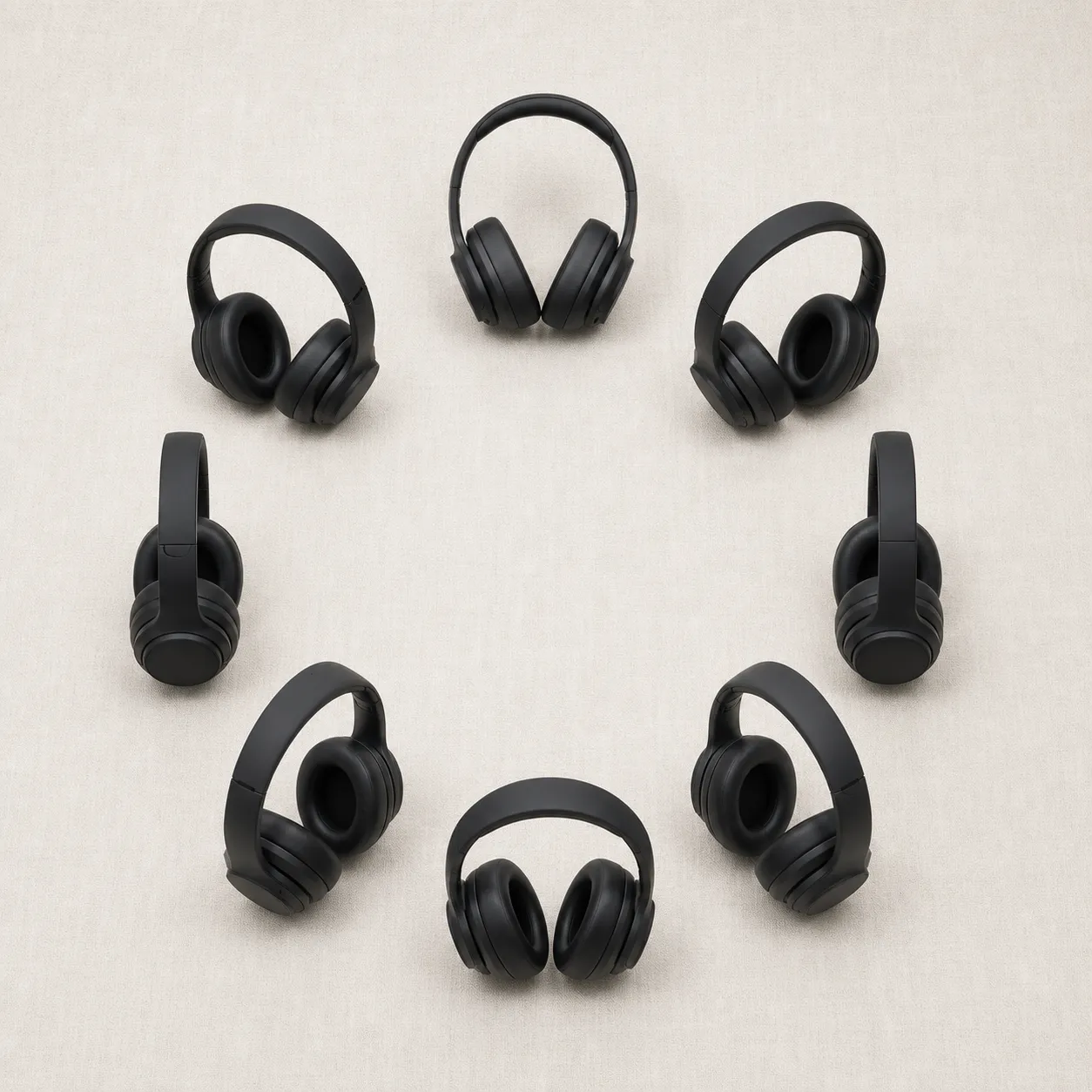
Eight rotation presets (0°, 45°, 90°, 135°, 180°, 225°, 270°, 315°) cover front, side, three-quarter, and back views. Changes camera angle online across the full 360° arc without slider guesswork.
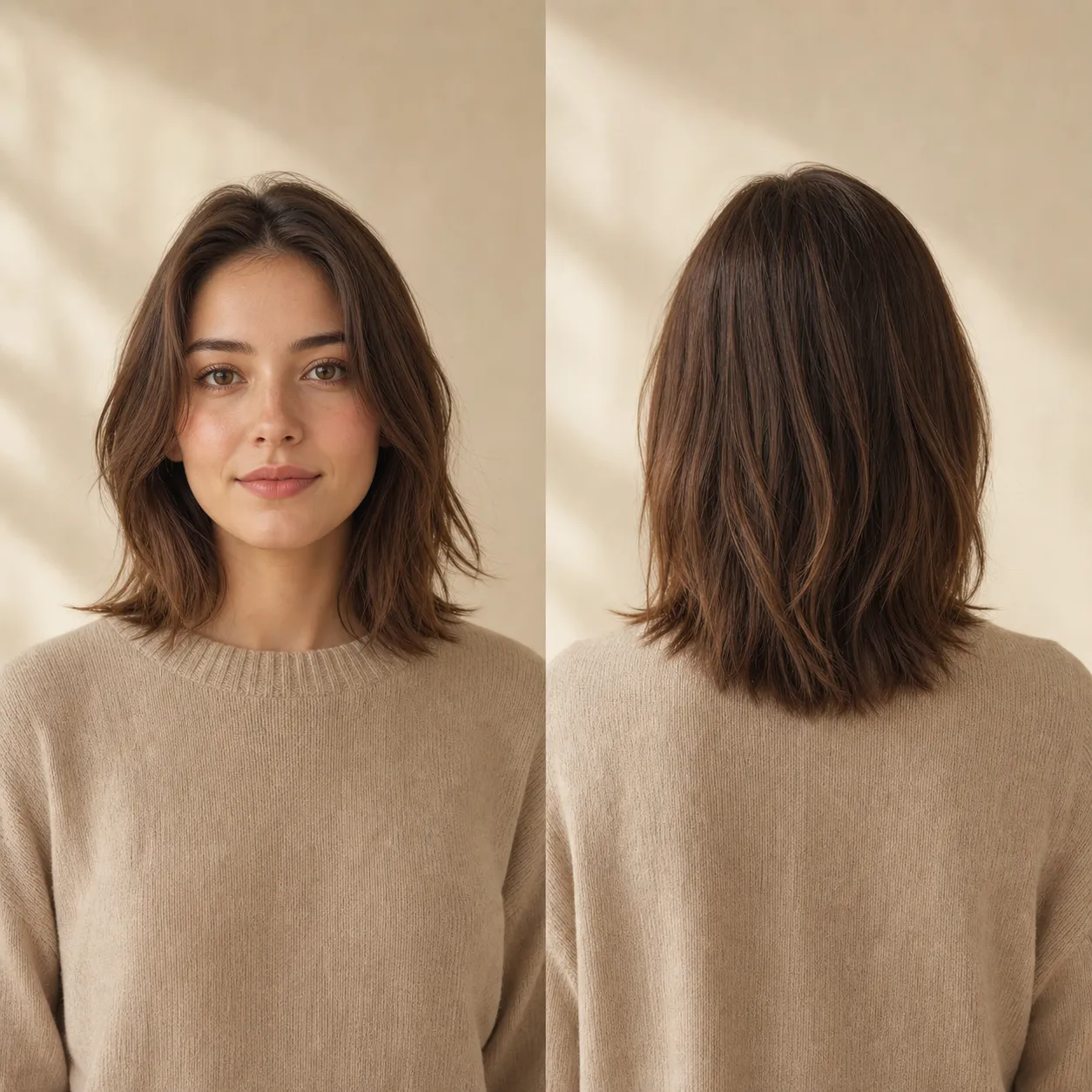
The 180° preset changes camera angle online to a back-of-subject view from a front-facing photo. Useful for product back panels, hairstyles, room reverse angles, and full-rotation product reveals.
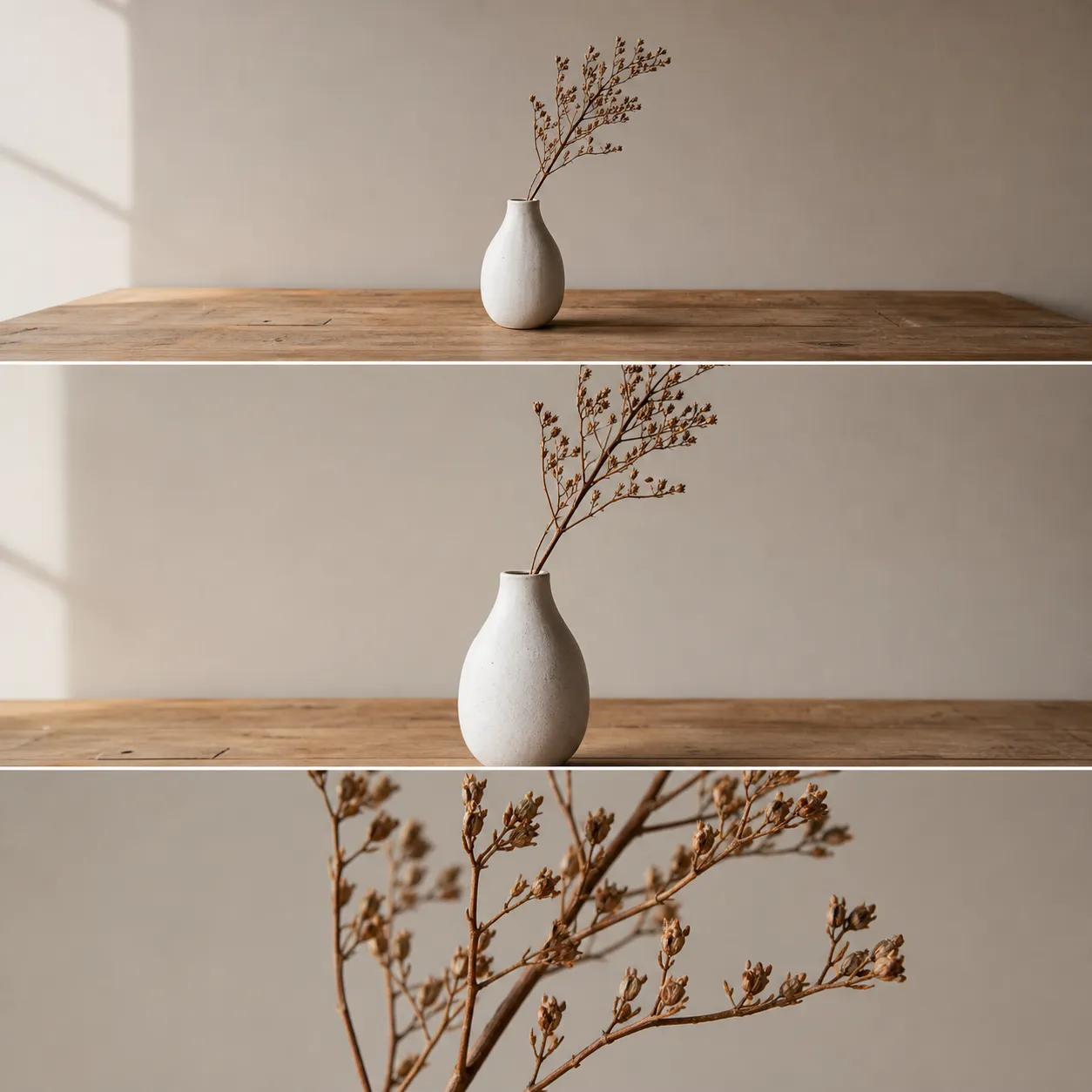
Layer 4 tilt steps (level, mild up, high overhead, downward) and 3 shot types (wide, medium, close-up) on top of rotation. Changes camera angle online across 96 unique combinations from one photo.
Sign in before generating. New accounts get 10 welcome credits, and each full generation costs 4 credits at standard resolution. No download, no plugin, no install.
See how AI changes camera angle online for portraits, products, and scenes — same subject, same lighting, different vantage.
This tool changes camera angle online for headshots — reframing to side, three-quarter, and back views. Identity preservation holds best at small to mid rotations.
Reframe a Portrait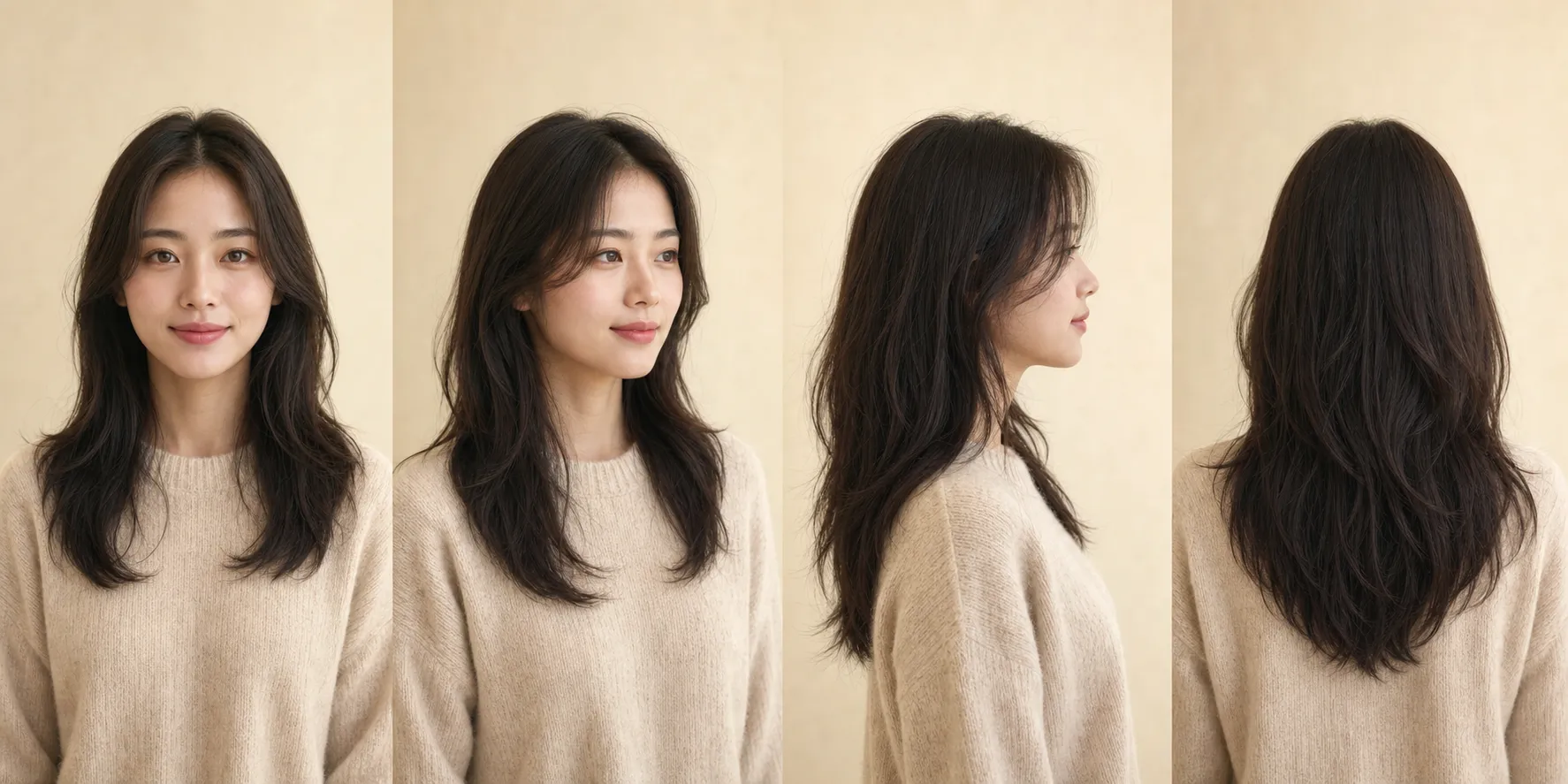
Changes camera angle online for e-commerce — turn one product shot into a multi-angle listing with front, side, three-quarter, and detail close-up. Material and lighting stay consistent across the set.
Generate Product Angles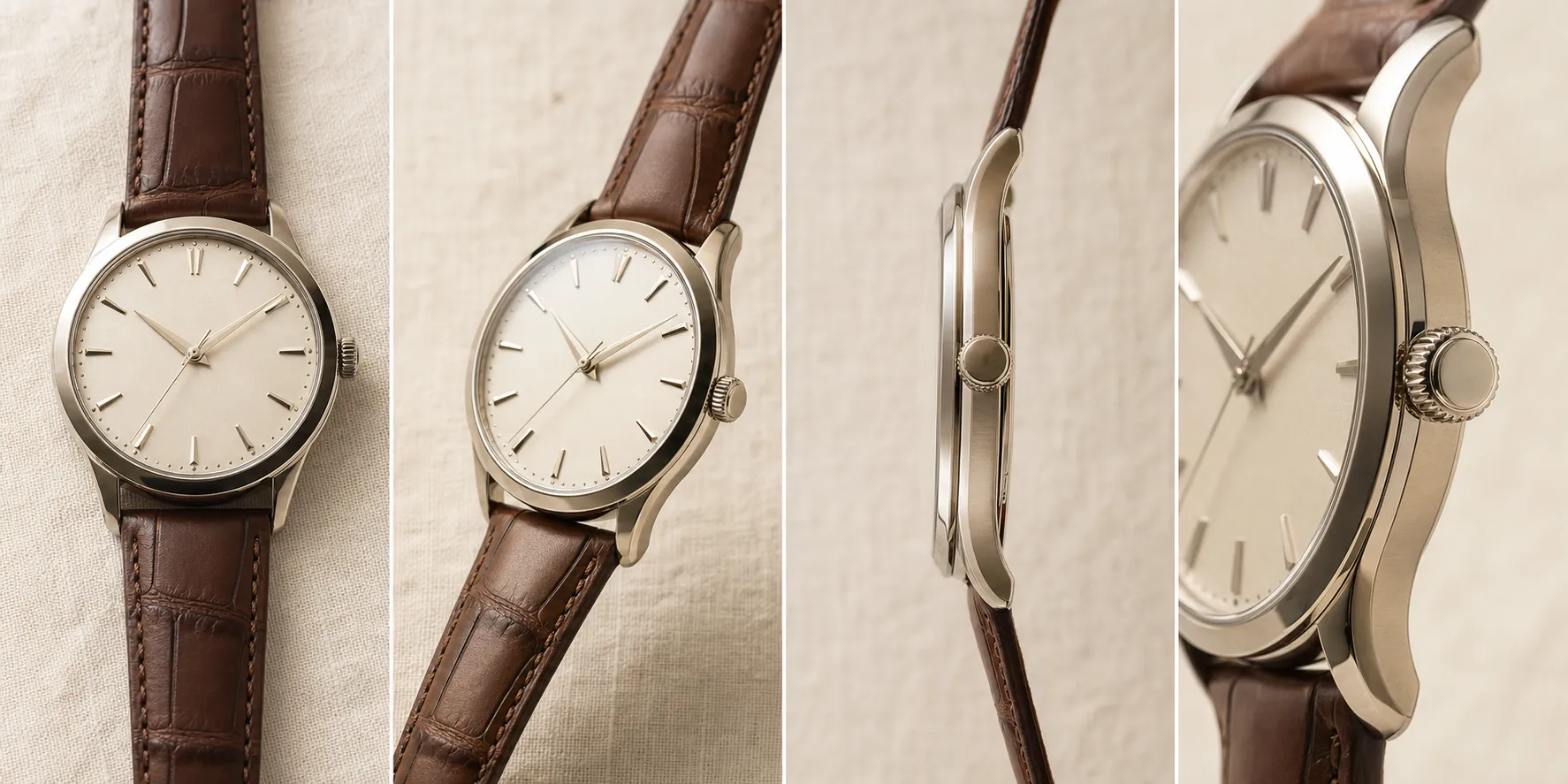
Changes camera angle online for real estate — rooms and architectural shots reframed from a new vantage. Capture the room from the window side without a second site visit.
Reframe a Scene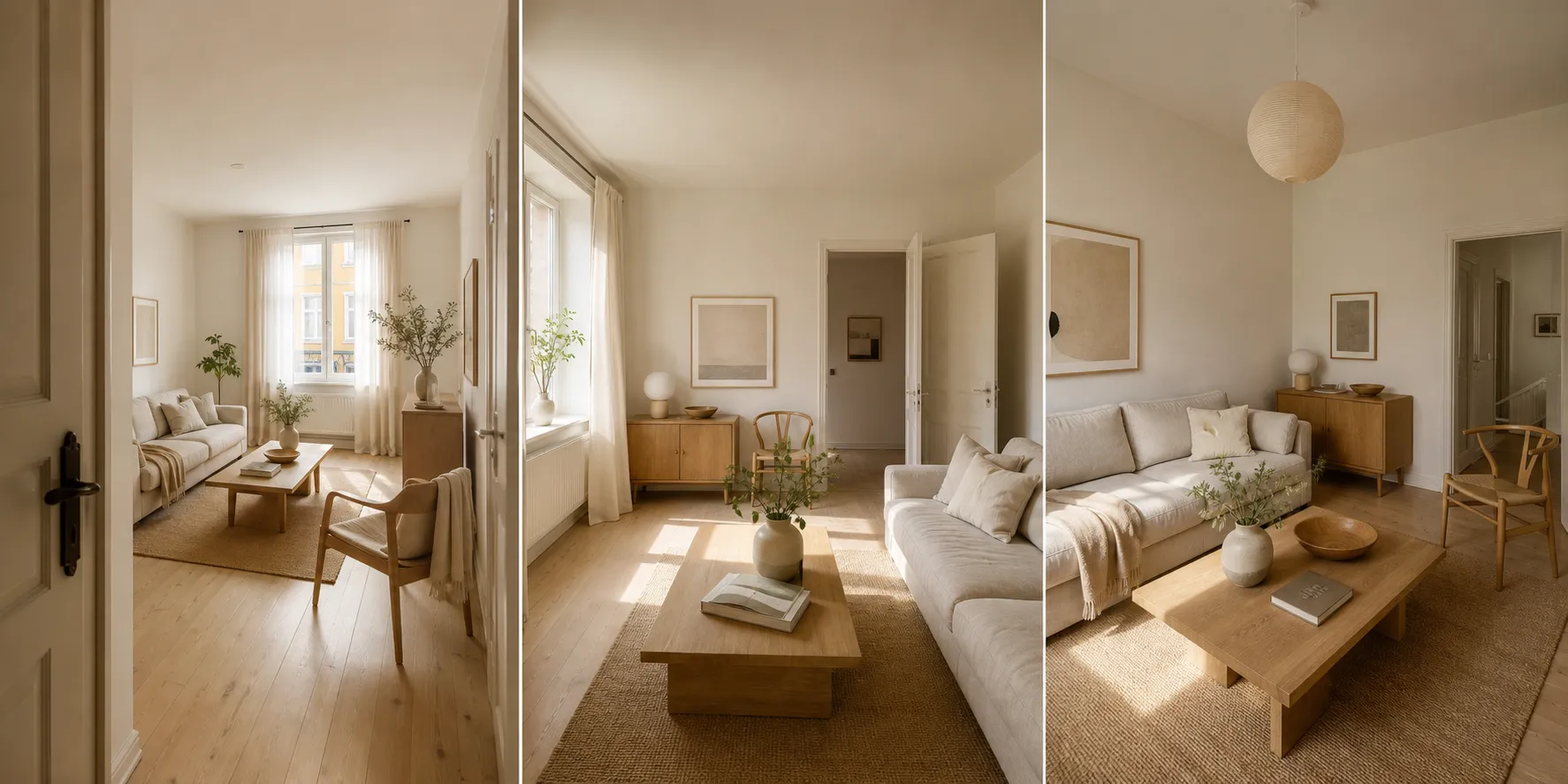
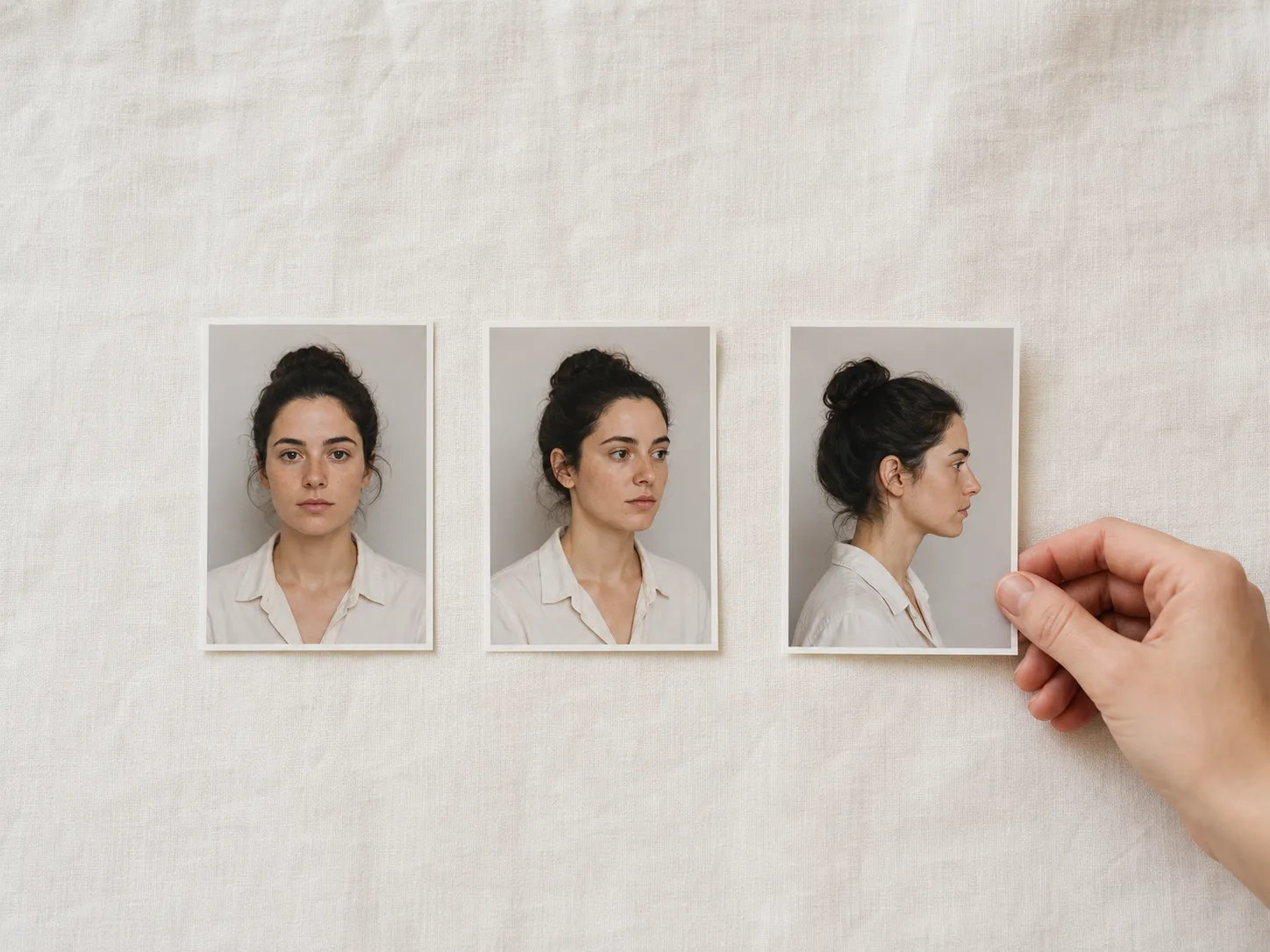
Drag in a portrait, product shot, or scene with a clear main subject. JPEG, PNG, or WebP up to 10 MB.
Use the visual angle controls on the left to dial the camera position. Eight rotations, four tilts, three shot types — pick any combination.
Click Generate. The tool changes camera angle online in seconds. Change the controls and generate again to build a full angle set from one photo.
More questions? Reach out via Contact and we will get back to you.
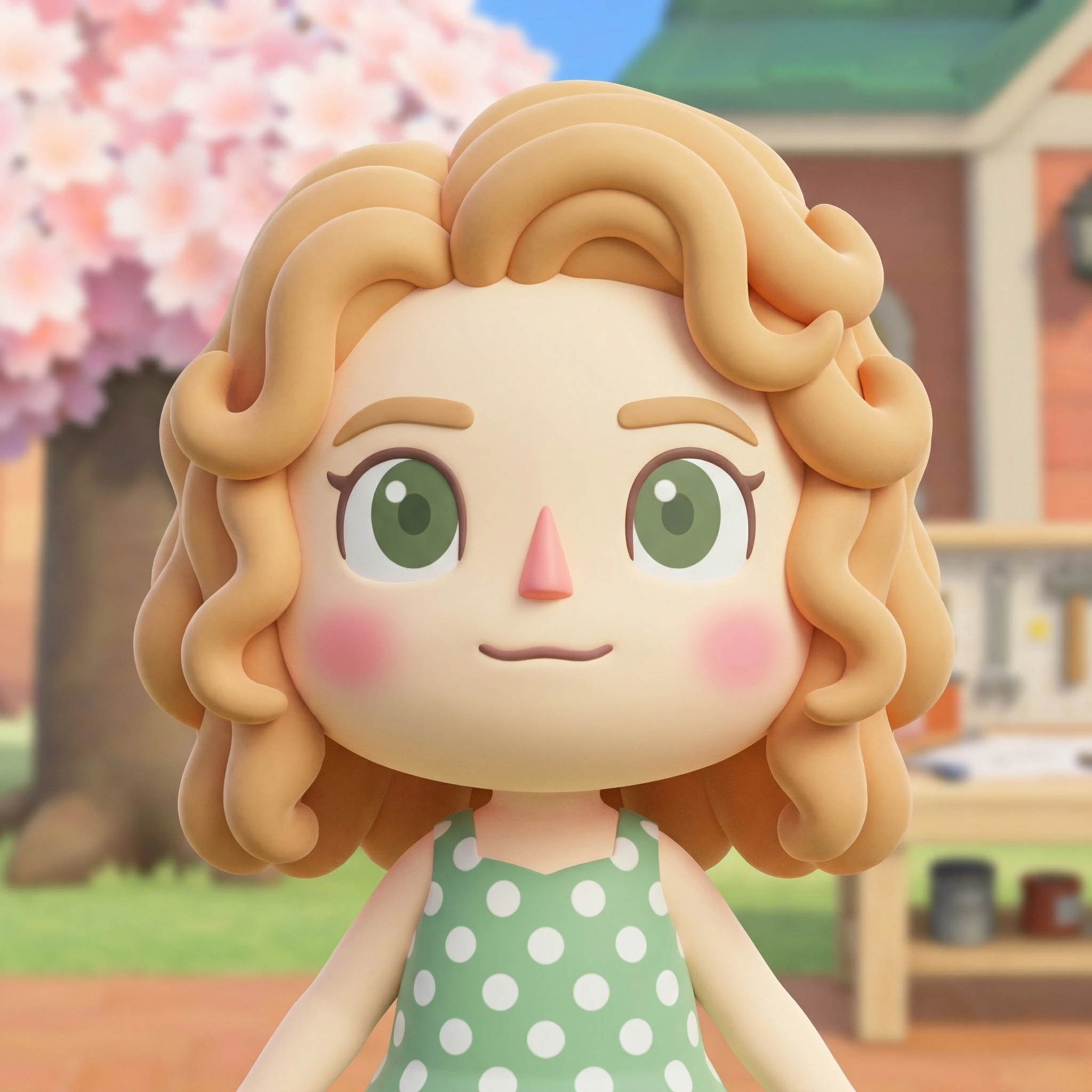
The Animal Crossing AI Generator turns photos and prompts into 3D villagers, OCs, and avatars — the fastest Animal Crossing villager maker online.

Upload any portrait and transform skin tones instantly with our AI skin color changer online. Describe your ideal tone — from warm caramel to deep ebony — and get realistic results in seconds.
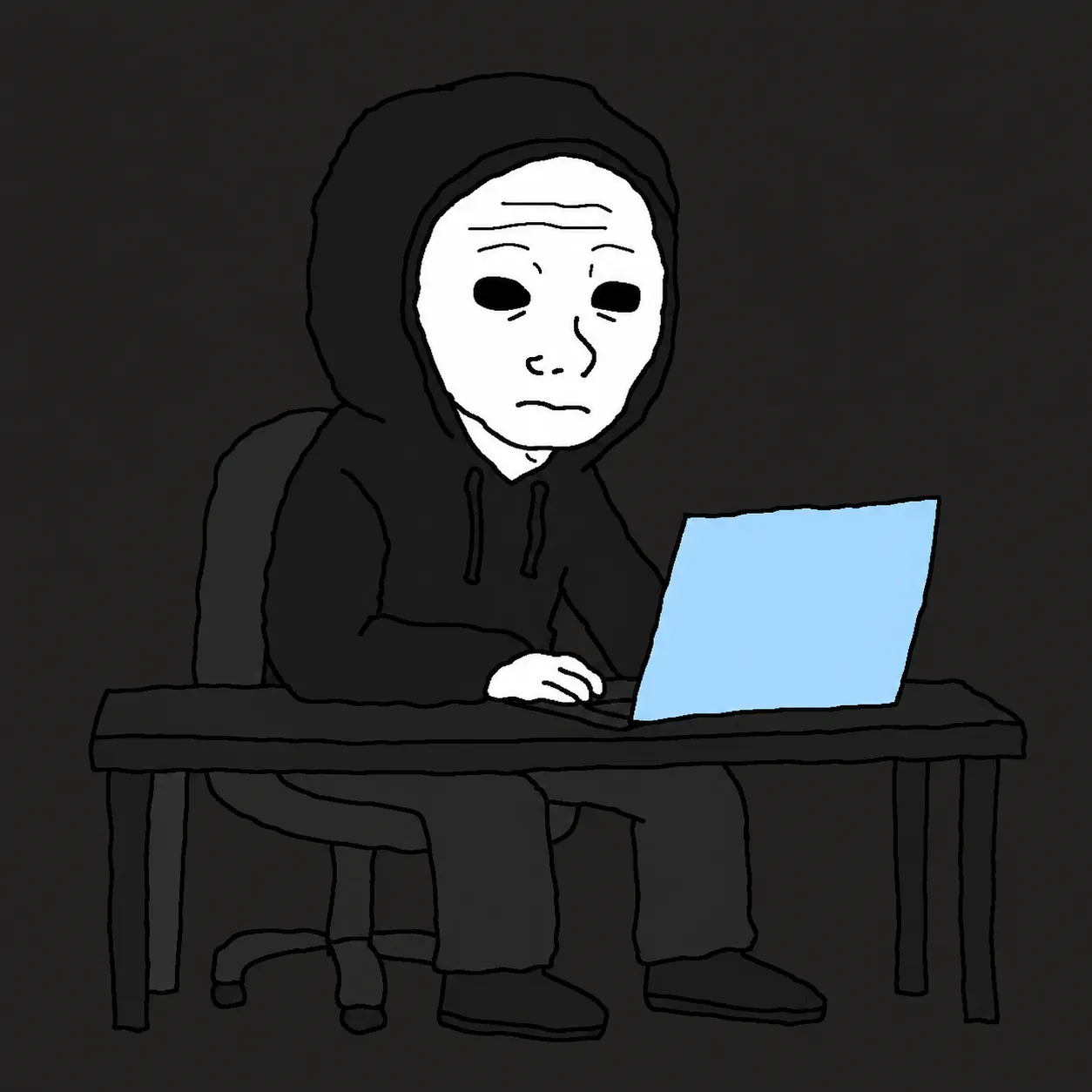
The Wojak Meme Converter AI turns any photo or text prompt into an authentic Wojak meme — 14+ archetypes from Doomer to GigaChad, all in the classic crude MS Paint style.
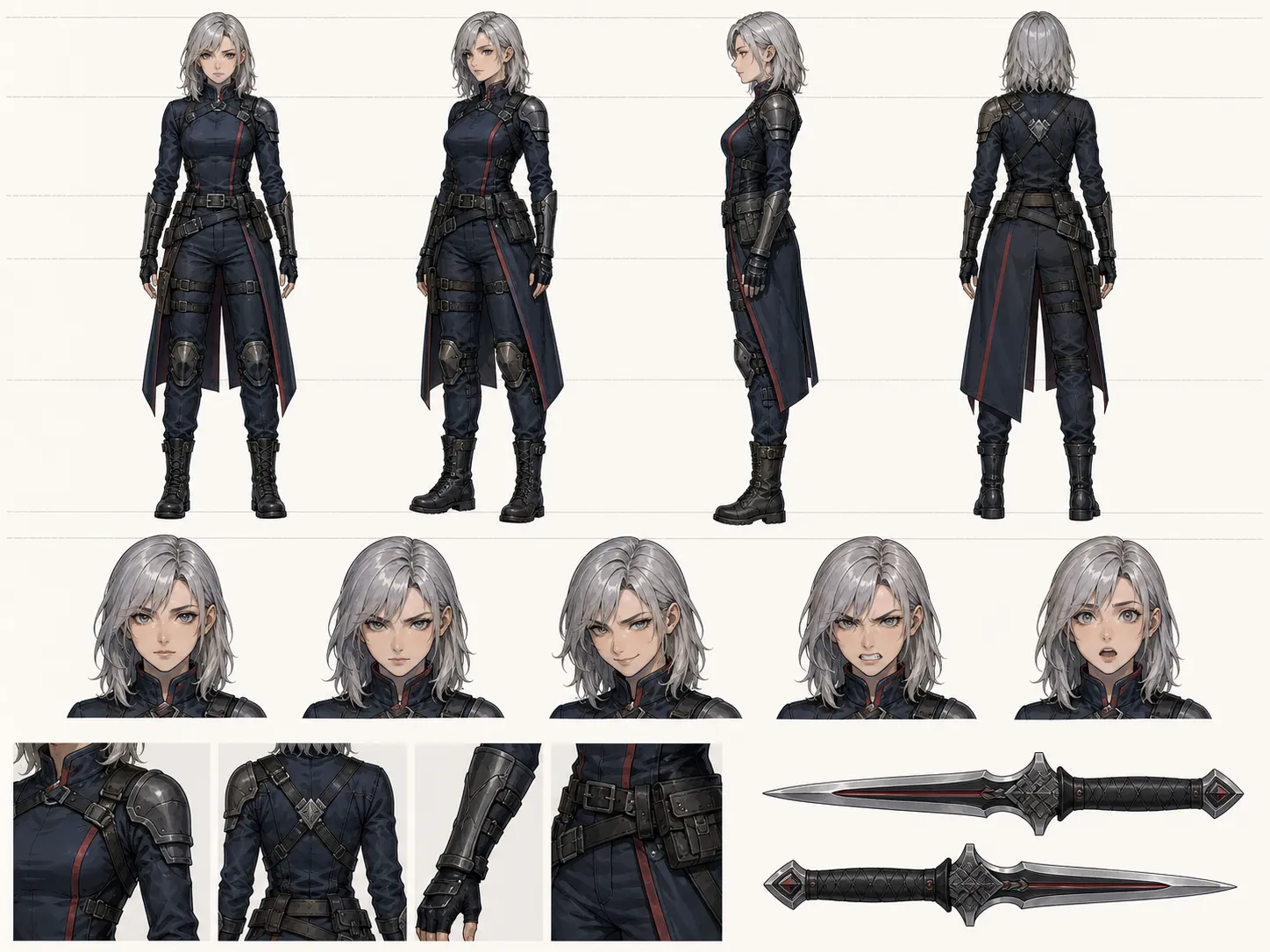
Upload a portrait or describe your character — the AI Model Sheet Generator delivers a production-ready character reference sheet with multi-view turnaround, expressions, and outfit variations in seconds.
One photo. Pick a new vantage. The changes camera angle online engine rerenders it with consistent lighting in seconds. No prompt, no re-shoot, no install.
Start changes camera angle online